No results found
Finelo
Finelo
HomeOfficial ChannelDownloadFeatures & Help
简体中文
English
HomeDownloadOfficial ChannelFeatures & Help
简体中文
English
Quick Start
  • Quick Start
FAQ
  • Floating Window Often Fails to Load or Has No Background Network
  • OnePlus/OPPO/realme Accessibility Cannot Be Enabled
  • Restricted Accessibility Permission Settings
  • vivo/iQOO Playing Has No Effect and Progress Bar Stutters
Feature Tutorials
  • AI Transcription and Score Recognition
  • One-Tap Follow Play
  • Playing Features and Settings
  • Quick Key Mapping
  • Score Generation and Style
  • Score Import Format
  • Shizuku/Root Accessibility Authorization

One-Tap Follow Play

Read the guide and video below to quickly understand One-Tap Follow Play.

Requirements

  1. Both users must follow each other.
  2. One of the users must be a member.

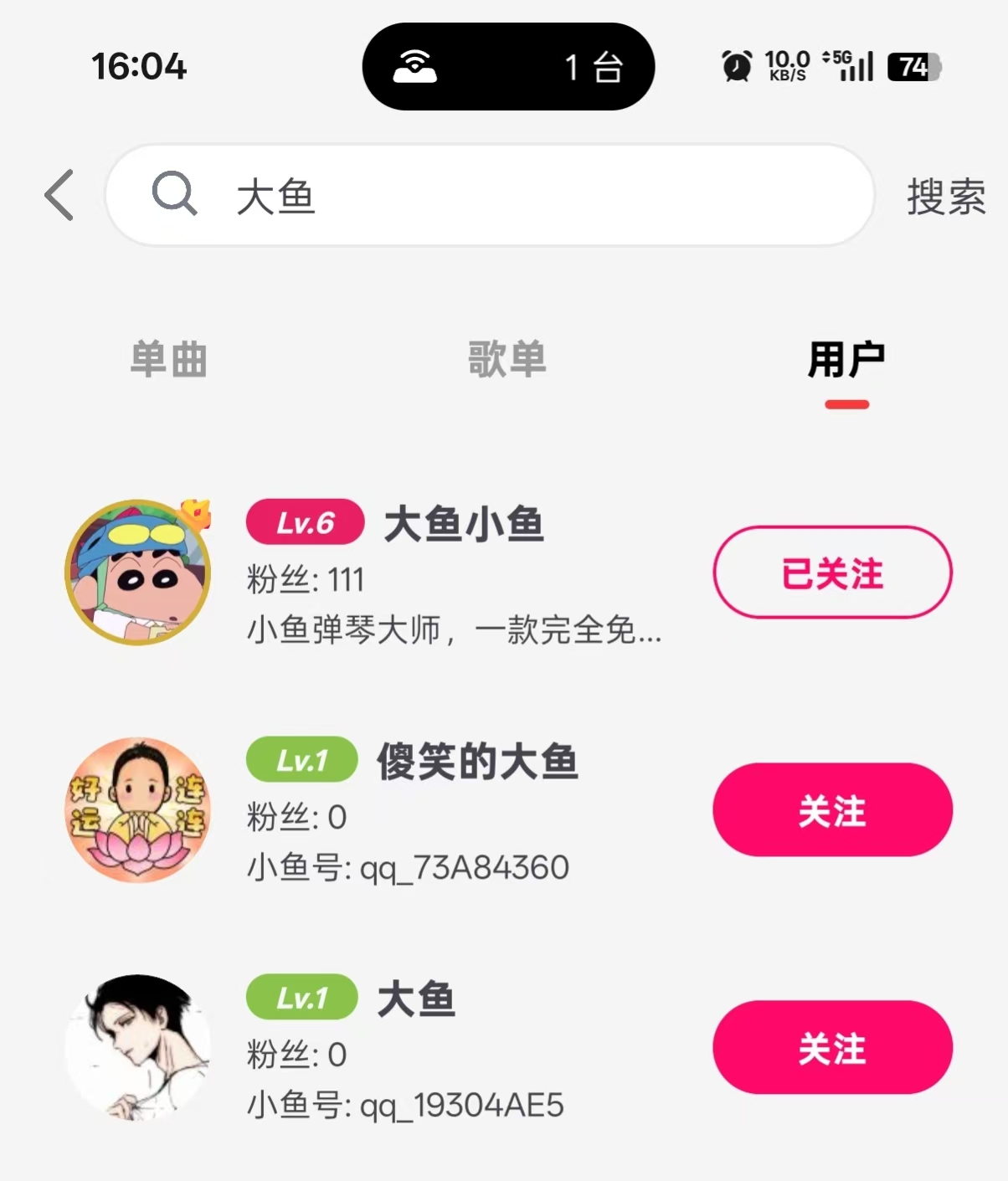
Search for Friends

After opening the app, tap the search box to find registered users and follow them.

Search friends

Follow a Friend's Playing

Open the friend list from the floating window.
You can see whether friends are online and whether they are playing.
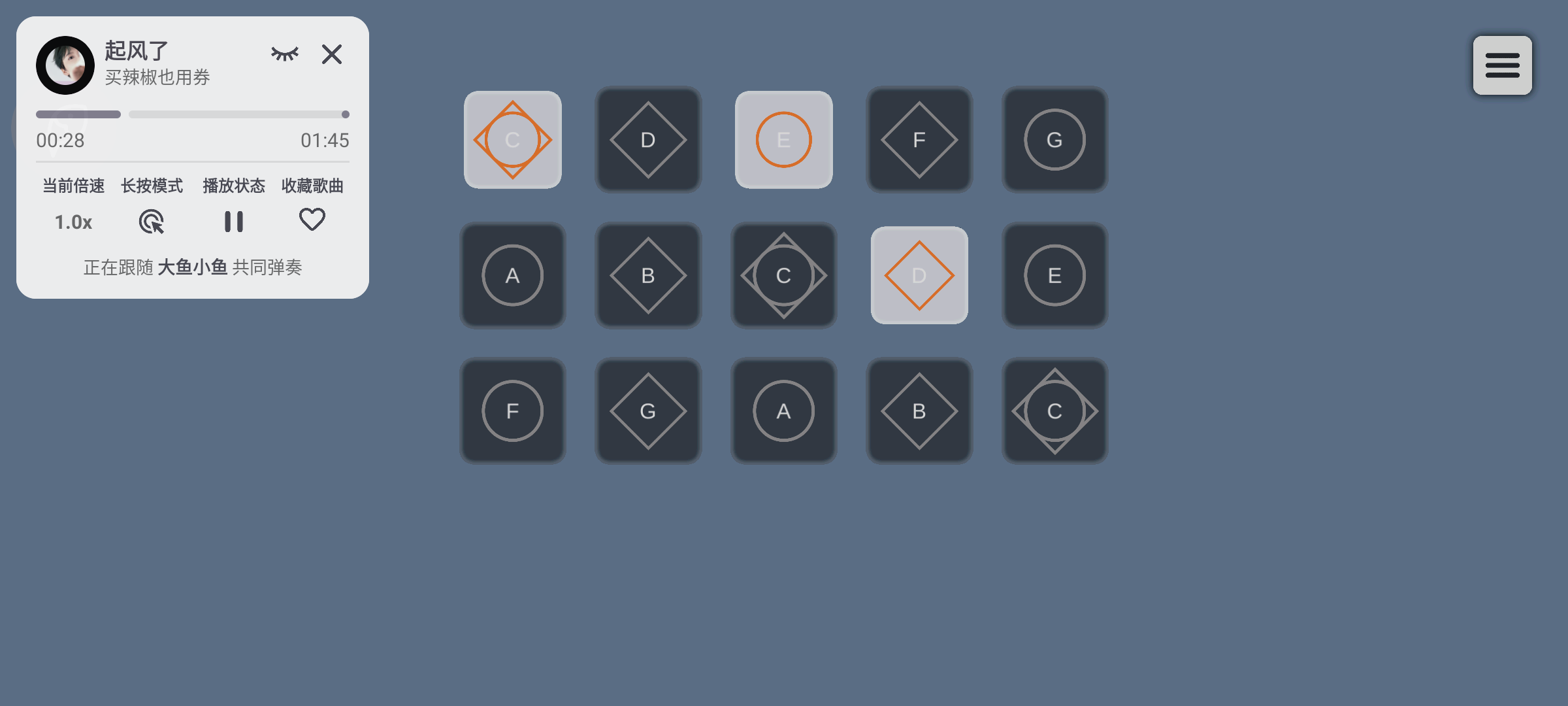
If a friend is playing, tap the One-Tap Follow Play button to join.

Friend list

Result

Result

Video Tutorial

On this page
  • Requirements
  • Search for Friends
  • Follow a Friend's Playing
  • Result
  • Video Tutorial
Quick Start
  • Quick Start
FAQ
  • Floating Window Often Fails to Load or Has No Background Network
  • OnePlus/OPPO/realme Accessibility Cannot Be Enabled
  • Restricted Accessibility Permission Settings
  • vivo/iQOO Playing Has No Effect and Progress Bar Stutters
Feature Tutorials
  • AI Transcription and Score Recognition
  • One-Tap Follow Play
  • Playing Features and Settings
  • Quick Key Mapping
  • Score Generation and Style
  • Score Import Format
  • Shizuku/Root Accessibility Authorization