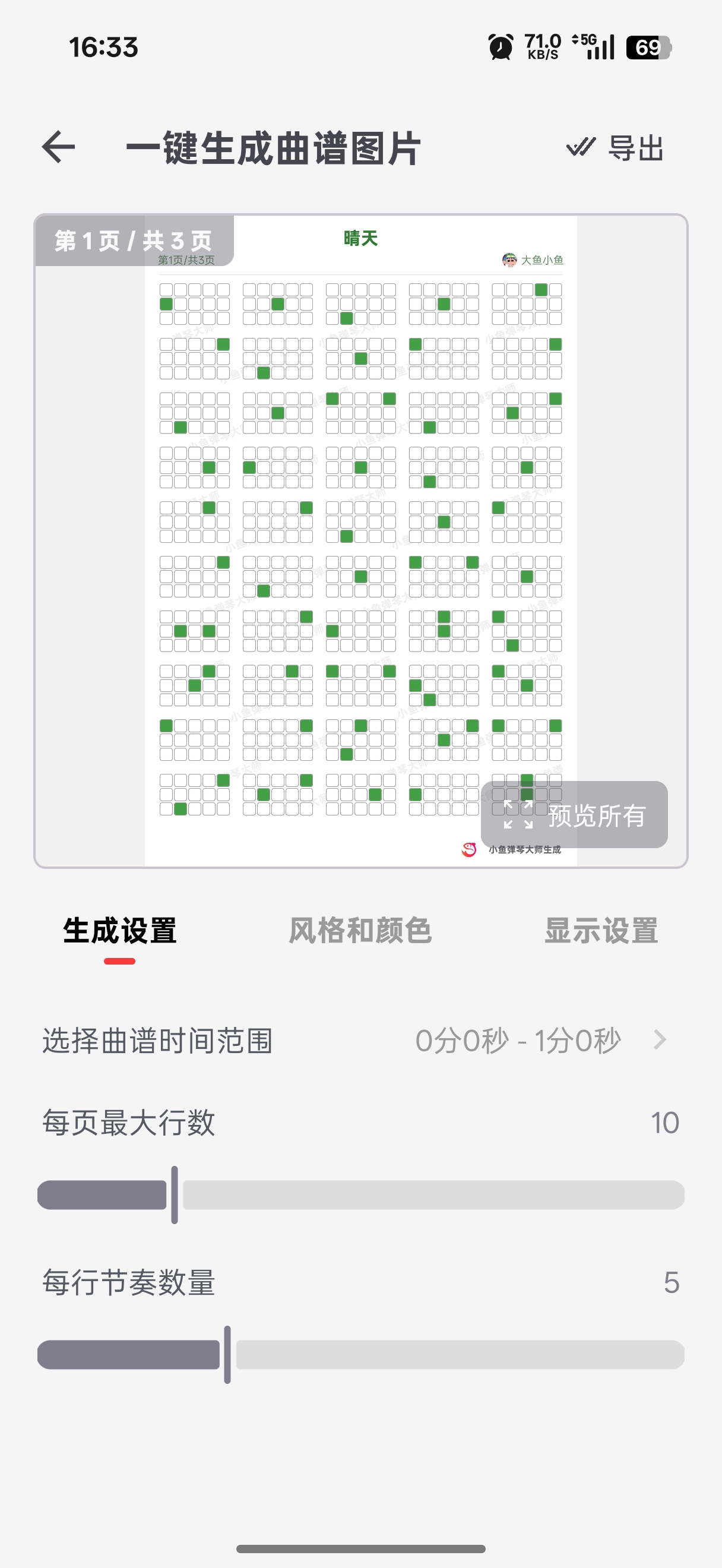
Score Generation and Style
Preview and Export
The upper area is the preview area, where you can check the generated score.
The lower area is the adjustment area, where you can change the rhythm range, score style, and visible content.
After finishing adjustments, export the score image from the top-right corner.
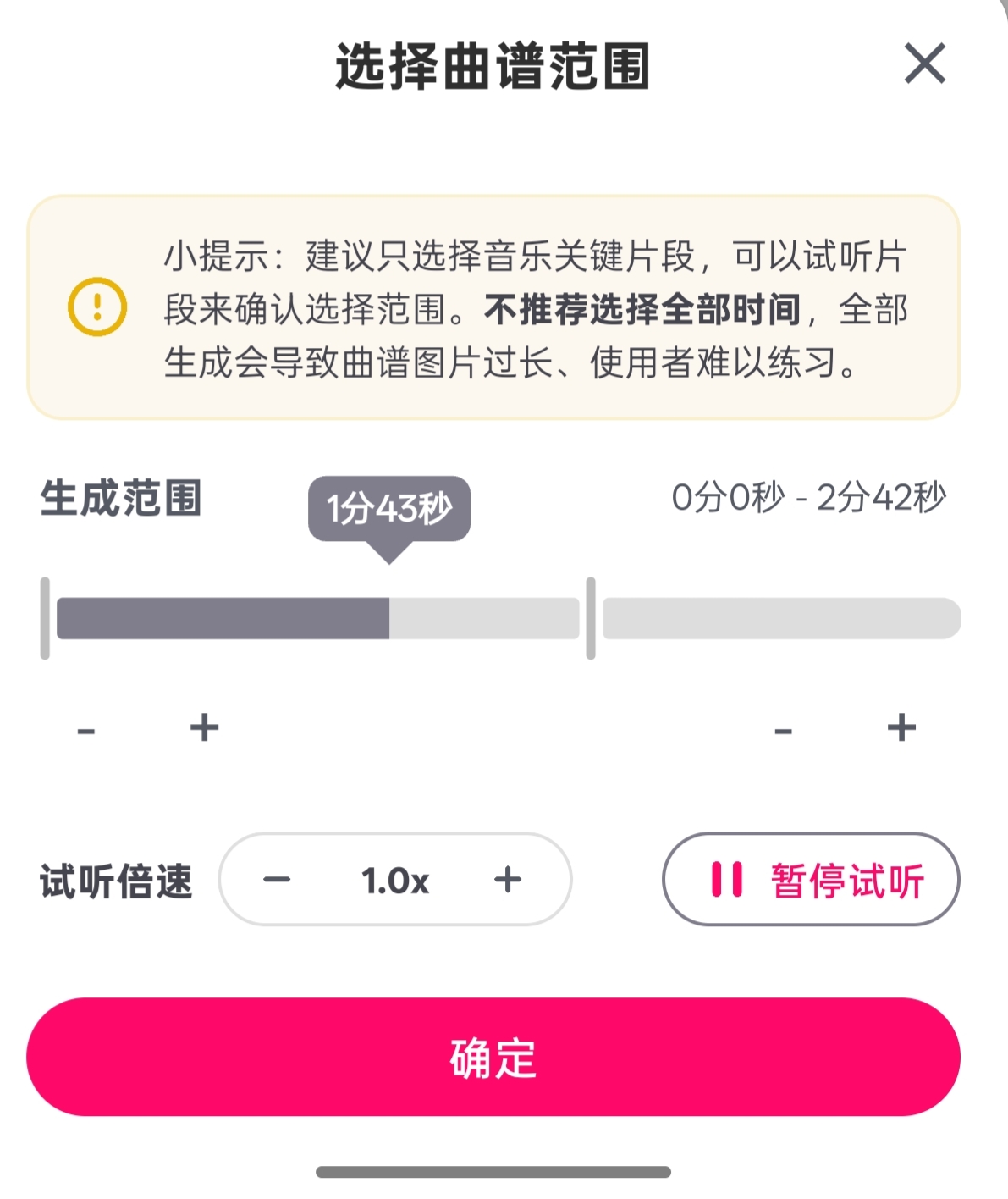
Choose the Score Time Range
Select the time range for the score, down to the second.
While selecting the range, you can preview the rhythm and play it at different speeds.
Tap Confirm after choosing the range.
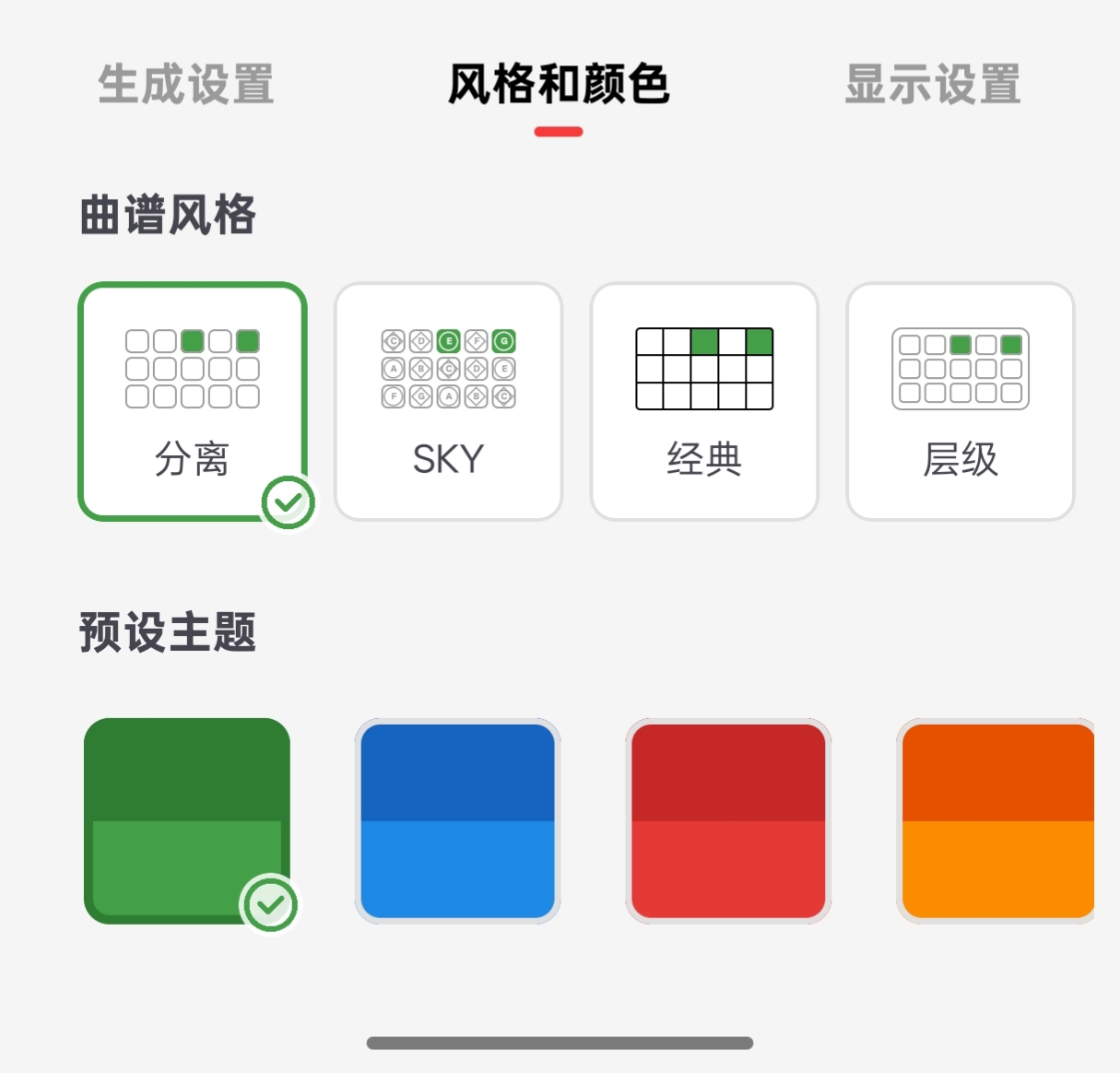
Set Score Style and Colors
You can set the score appearance and colors. Custom colors and preset colors are both supported.
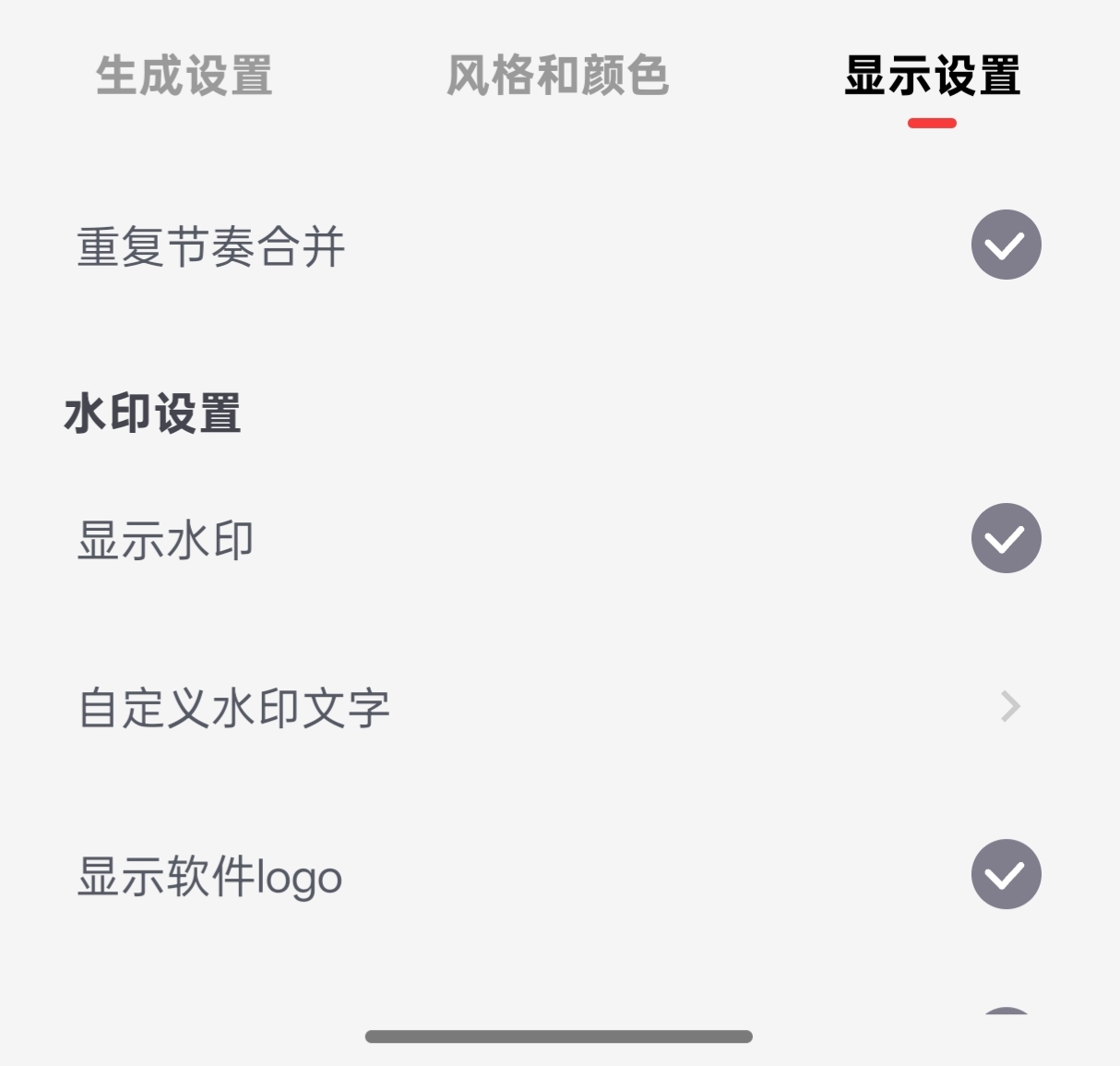
Display Settings
Repeated rhythms can be merged. After merging, the repeat count appears in the lower-right corner of the cell.
Watermark settings and watermark removal are supported.