Floating Window Often Fails to Load or Has No Background Network
On some devices, after switching a game to landscape mode, the floating window may frequently show no network or fail to load. Read the following solutions.
Solution 1
Some systems have strict background restrictions and do not allow other apps to run in the background while gaming. This can cause the floating window to be pushed to the background and become unusable. Try enabling the following two switches in Settings.
- Open the app settings page for Finelo.
- Turn on Playing foreground service and Allow background running.

Solution 2
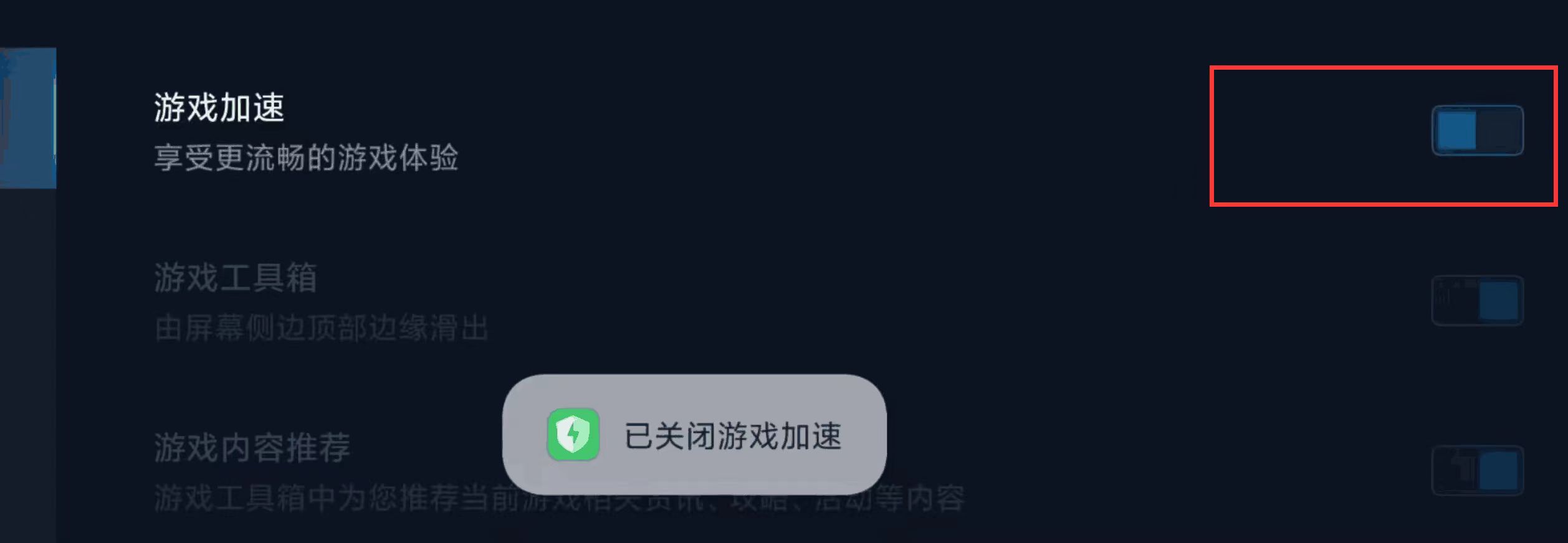
Some phones enable game acceleration for games by default, or restrict background apps. This mode can prevent background apps from using the network. Turn it off. The images below use a Xiaomi phone as an example.
- Open the phone's game acceleration app.
- Tap the settings button in the top-right corner, open settings, and turn off game acceleration.