vivo/iQOO Playing Has No Effect and Progress Bar Stutters
On OriginOS, you may see keys stop responding while the progress bar keeps moving during playback. If this happens, try the following solutions.
Solution
The phone may have enabled game acceleration for the game by default, or it may restrict background apps. On OriginOS, this mode can limit background app behavior. Turn it off using one of the methods below.
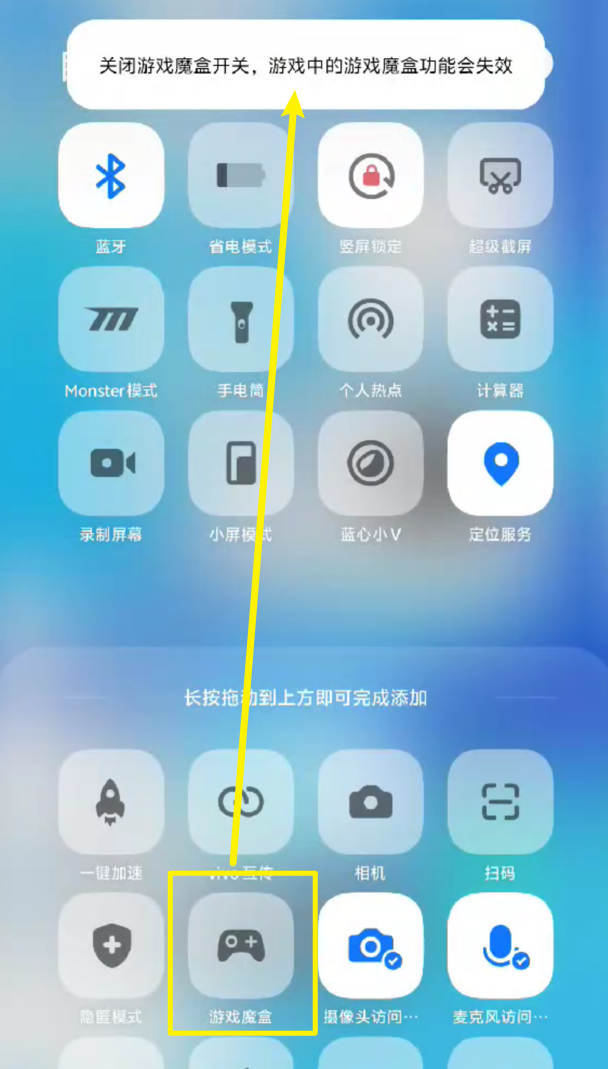
Method 1: Quick Toggle in the Status Bar
- Swipe down the phone status bar.
- Find the Game Box quick toggle and turn it off.
Method 2: Settings Toggle
- Open the phone Settings app.
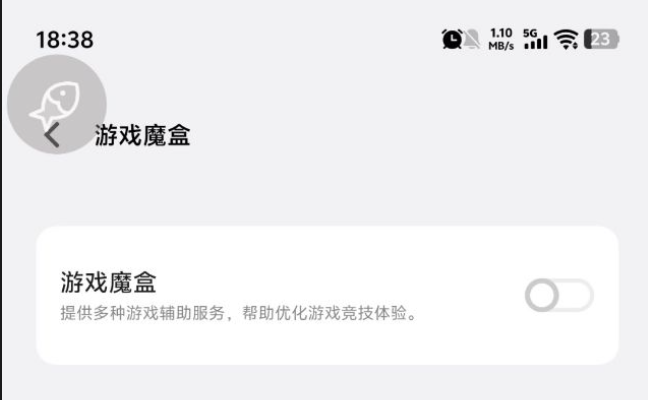
- Find Game Box settings and turn off Game Box.