
Quick Start
Download and Install
Mobile Browser Download Failed?
Some mobile browsers block downloads with custom security rules. We recommend using Via Browser to download the installer.
After the download finishes, install and open it on your Android phone.
Usage
After opening the Finelo app, you will enter the launch page. Before using the playing feature, grant accessibility permission and floating window permission.
The following example uses OPPO ColorOS to show the full permission flow.
Grant Floating Window Permission
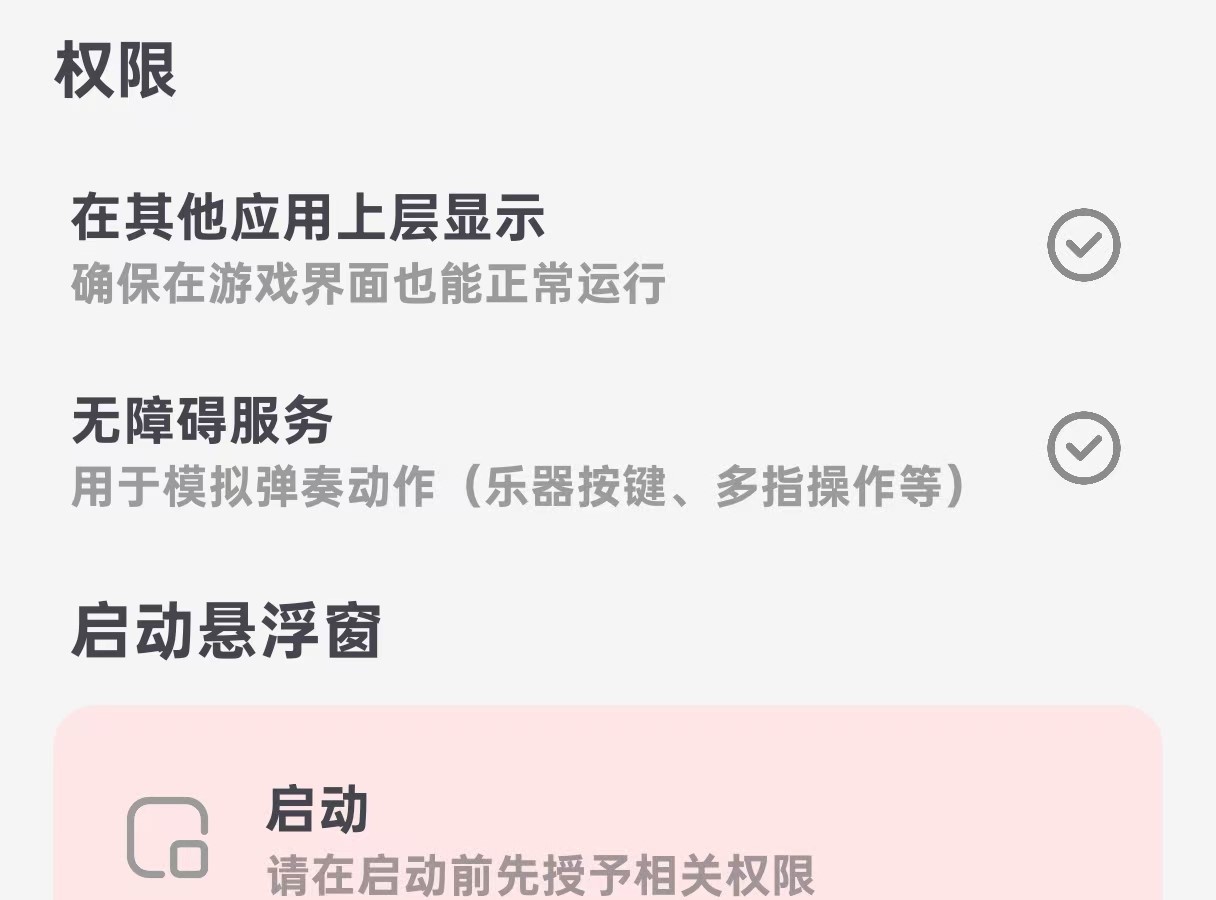
Tap "Display over other apps"
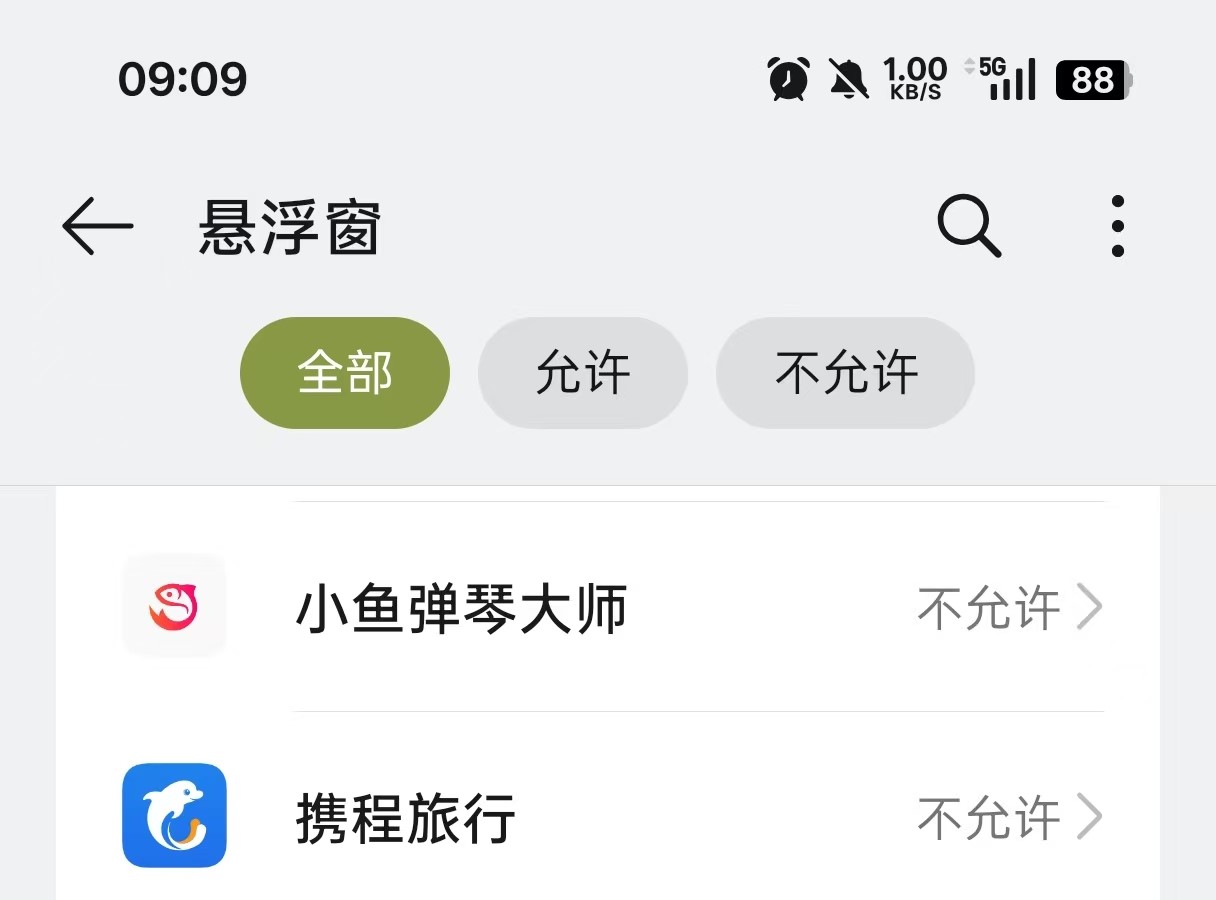
Find the Finelo app
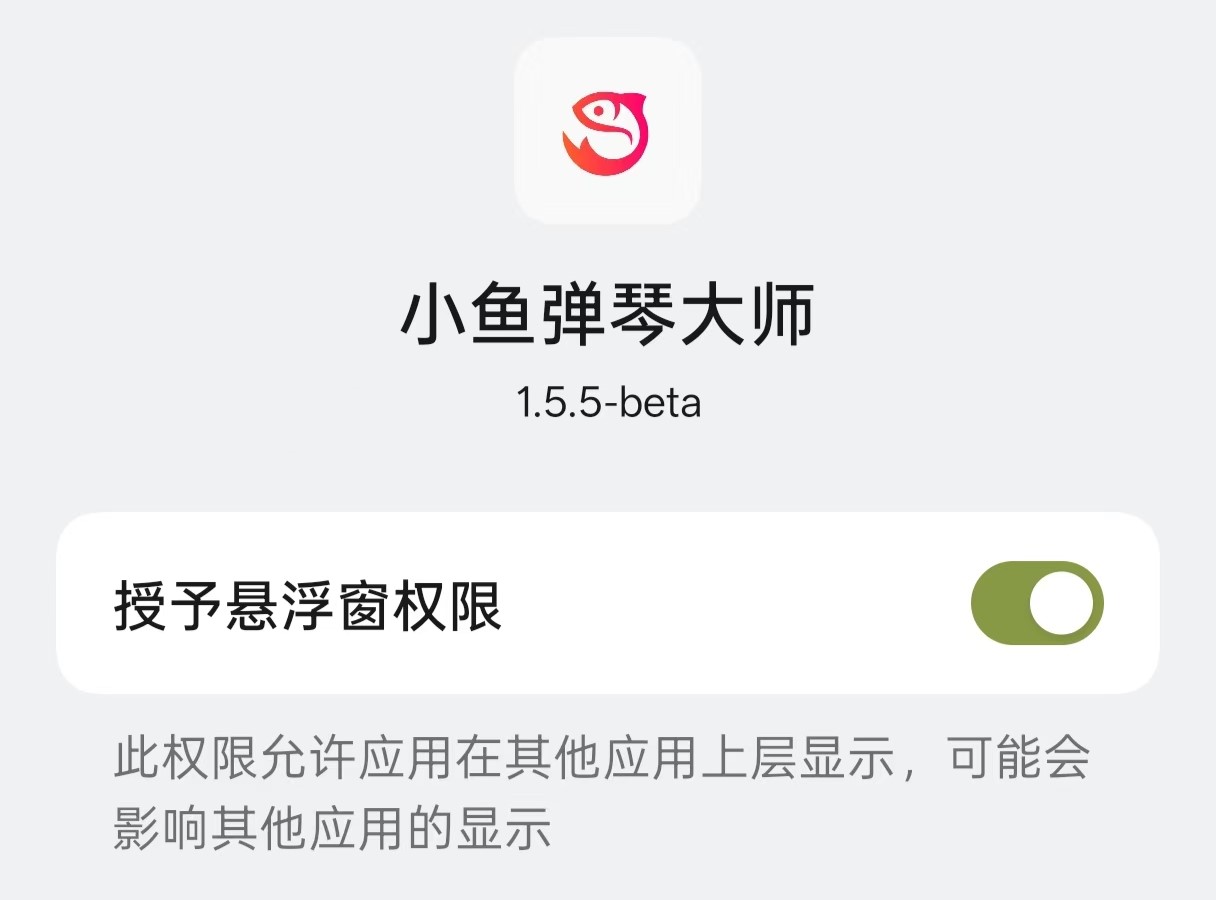
Turn on floating window permission
Grant Accessibility Permission
Tip
Accessibility permission pages may look different on different devices.
In some cases, the system may show restricted accessibility settings. Seethis guide.
On OnePlus/OPPO/realme devices, accessibility may fail to turn on. Seethis guide.
If the steps below do not work on your device,search by your device brandfor the correct accessibility setup path.
Tap "Accessibility"
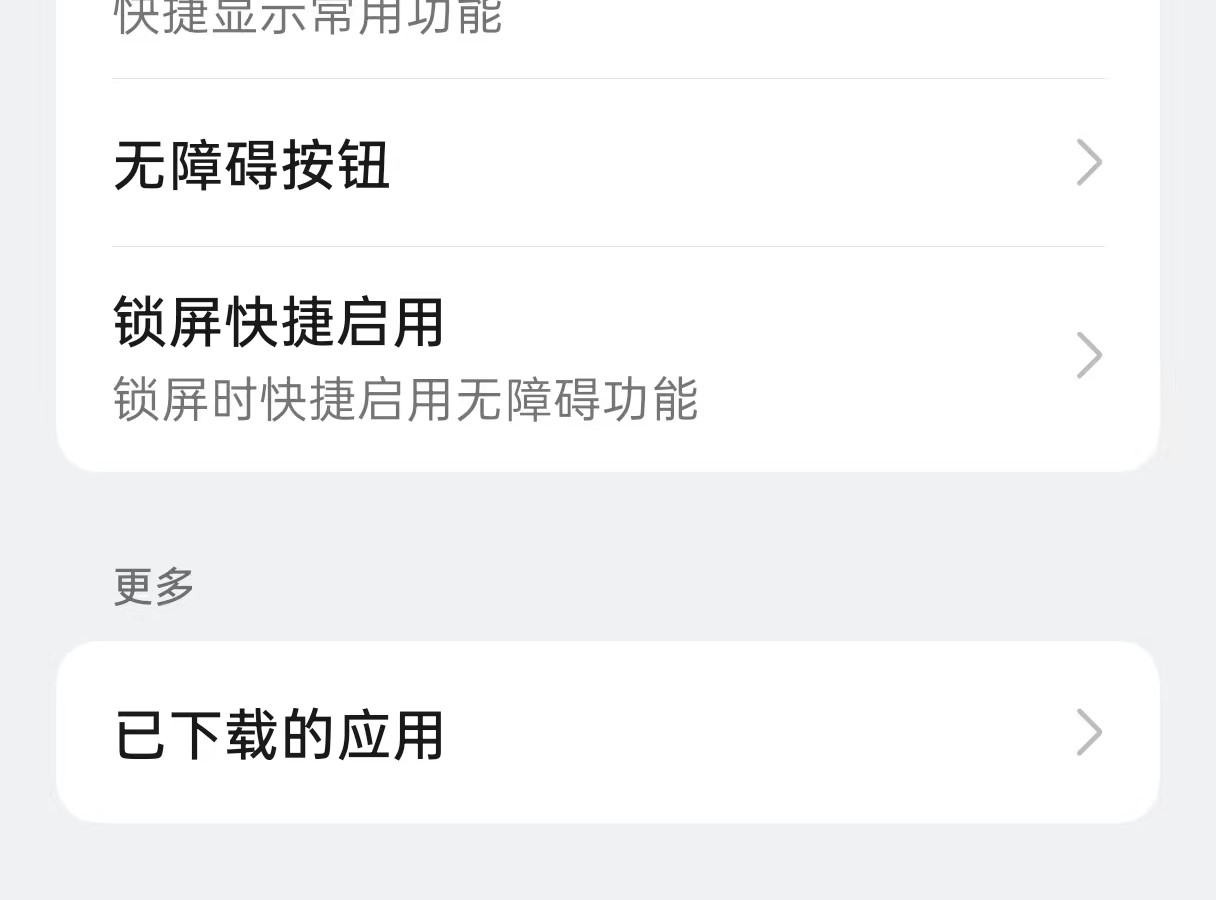
Tap "Downloaded apps"
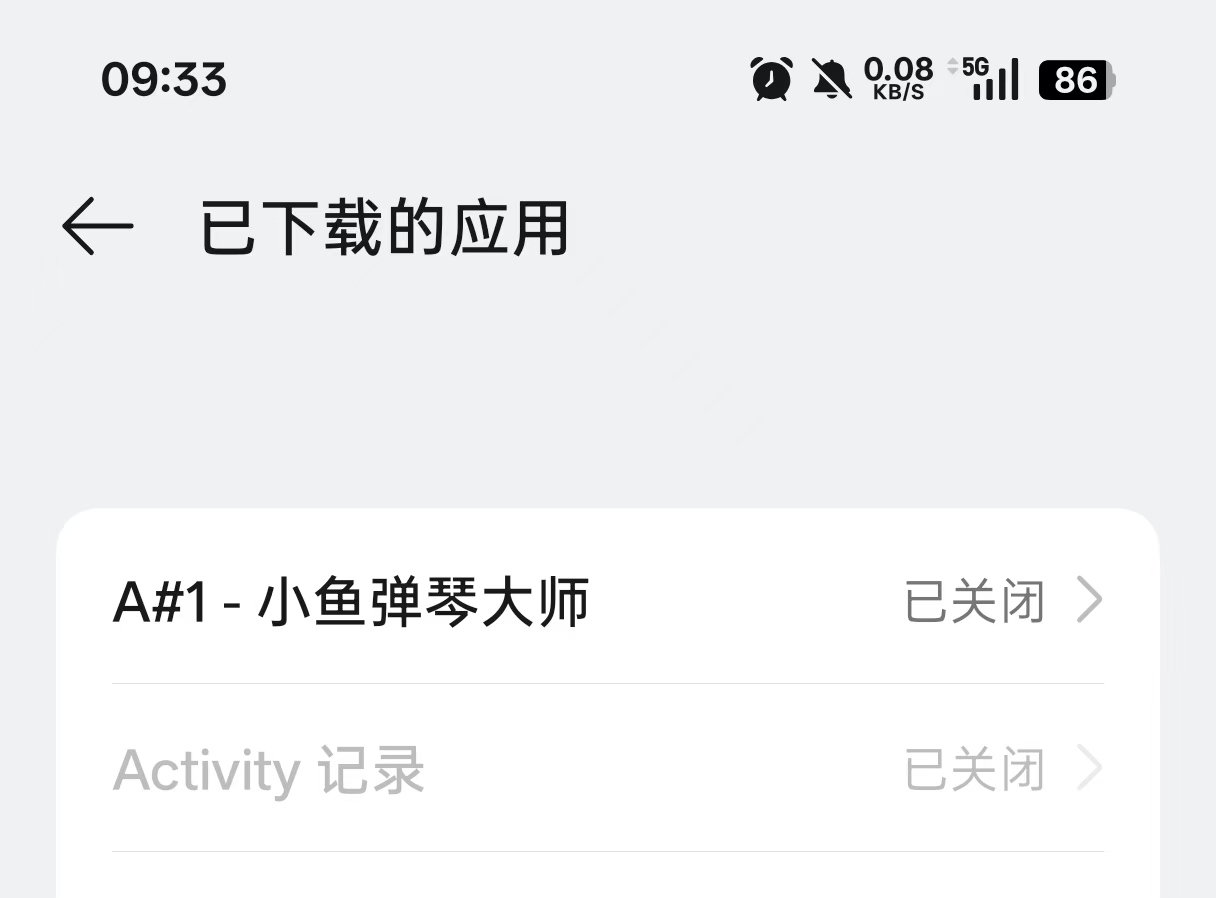
Find the Finelo app
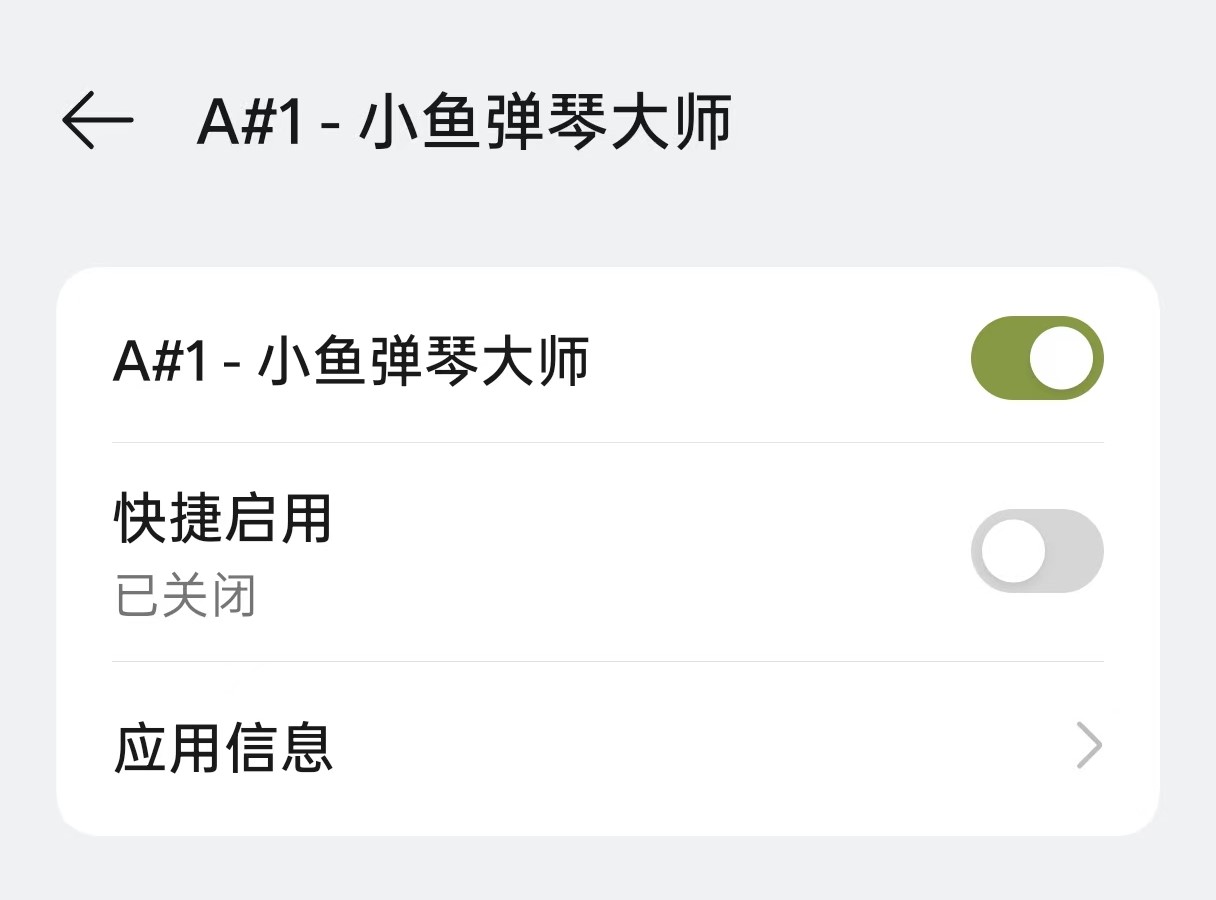
Turn on accessibility permission
Start Using
Tap Start on the launch page. A floating play button will appear. Open your game and start using the feature.
Tip
If this is your first time using the app, record the key positions before playing. See thegame key mapping guide.

Floating button started
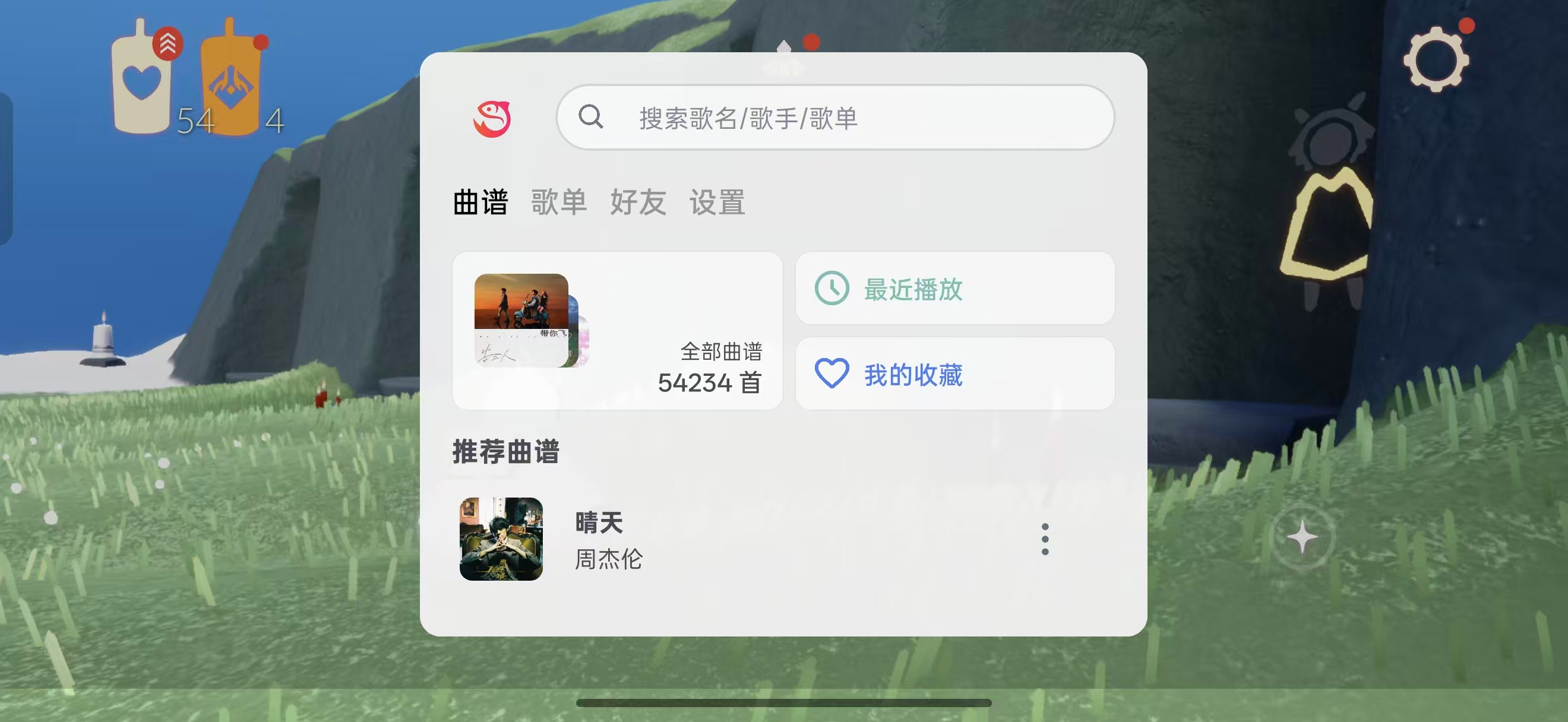
Choose a song
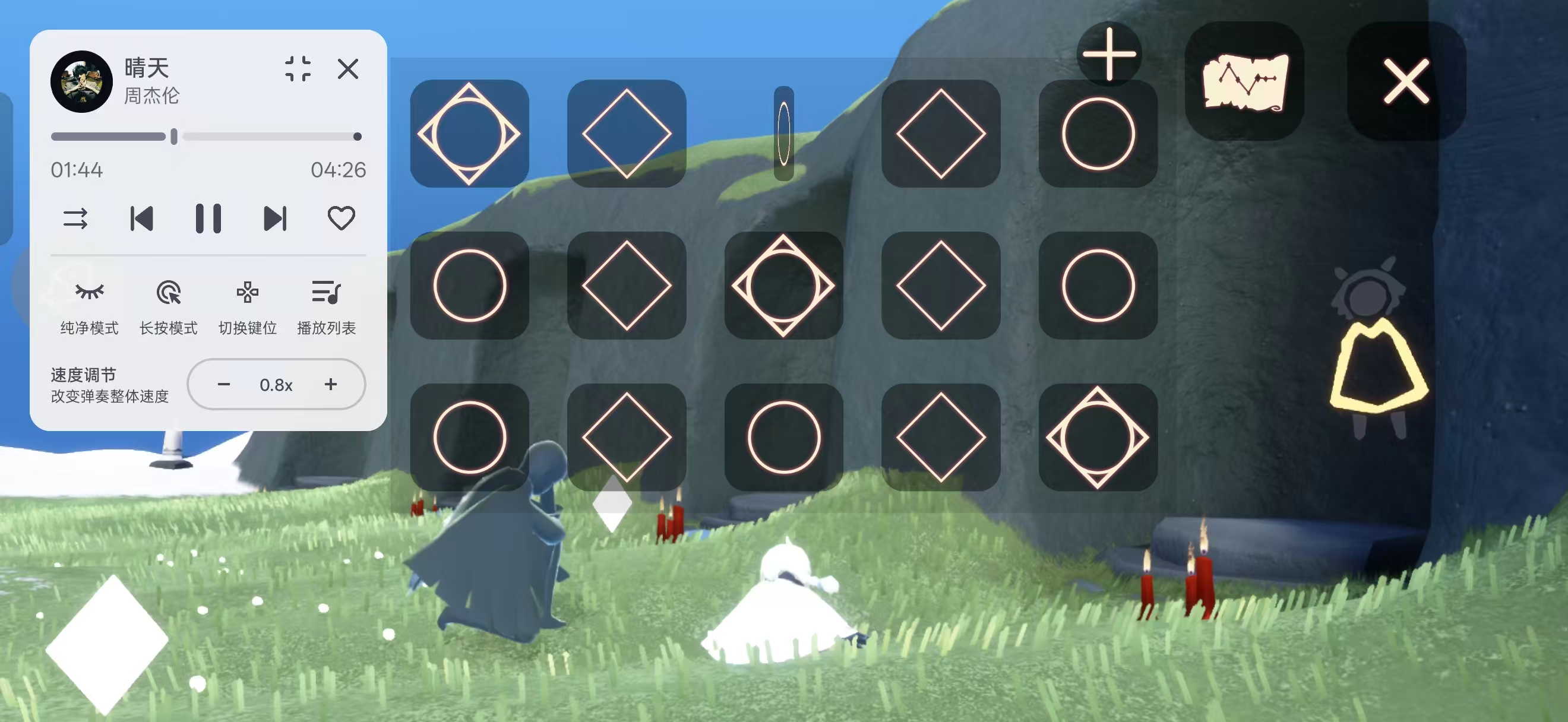
Start playing
If you run into problems, check the related articles in the FAQ section.